
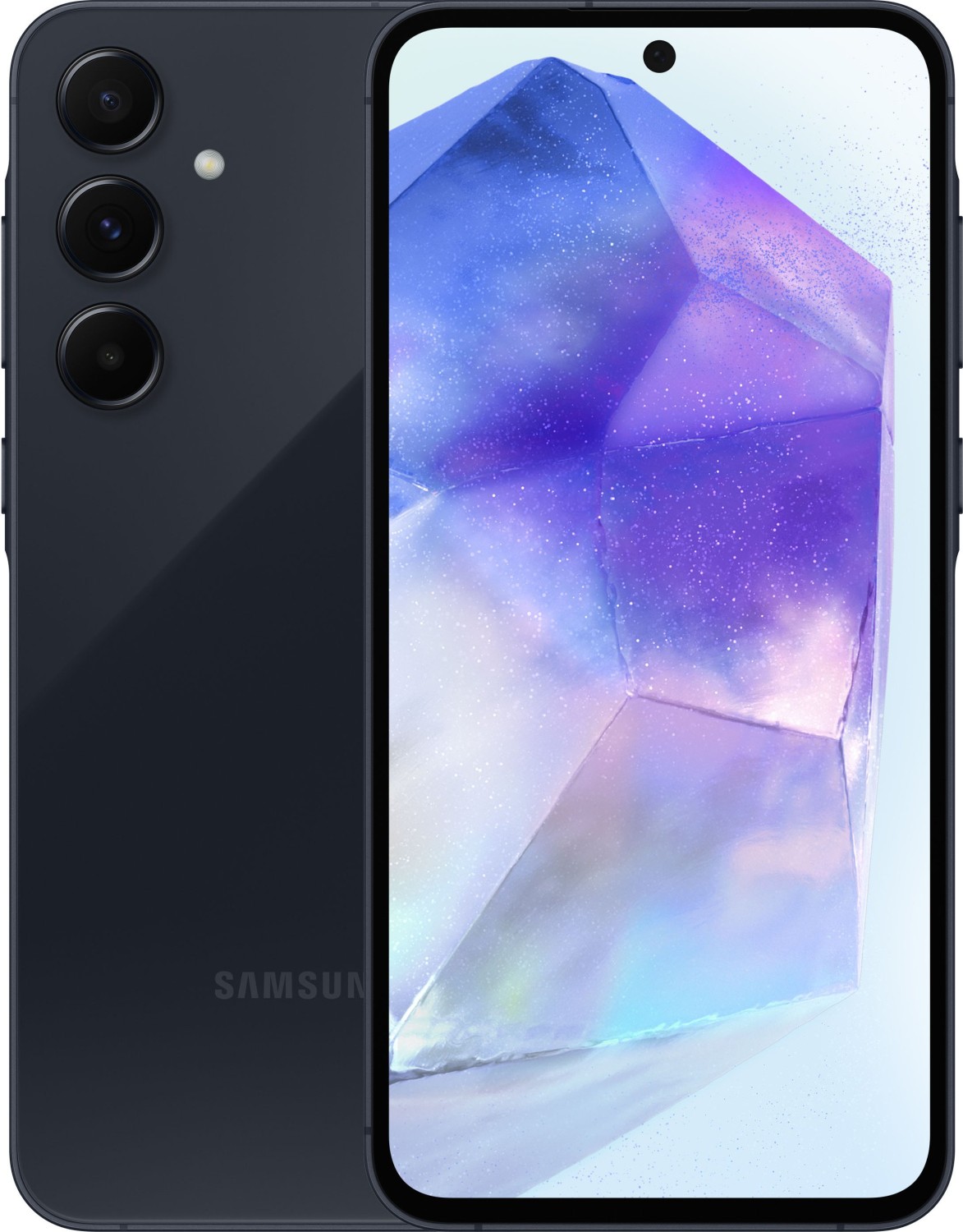
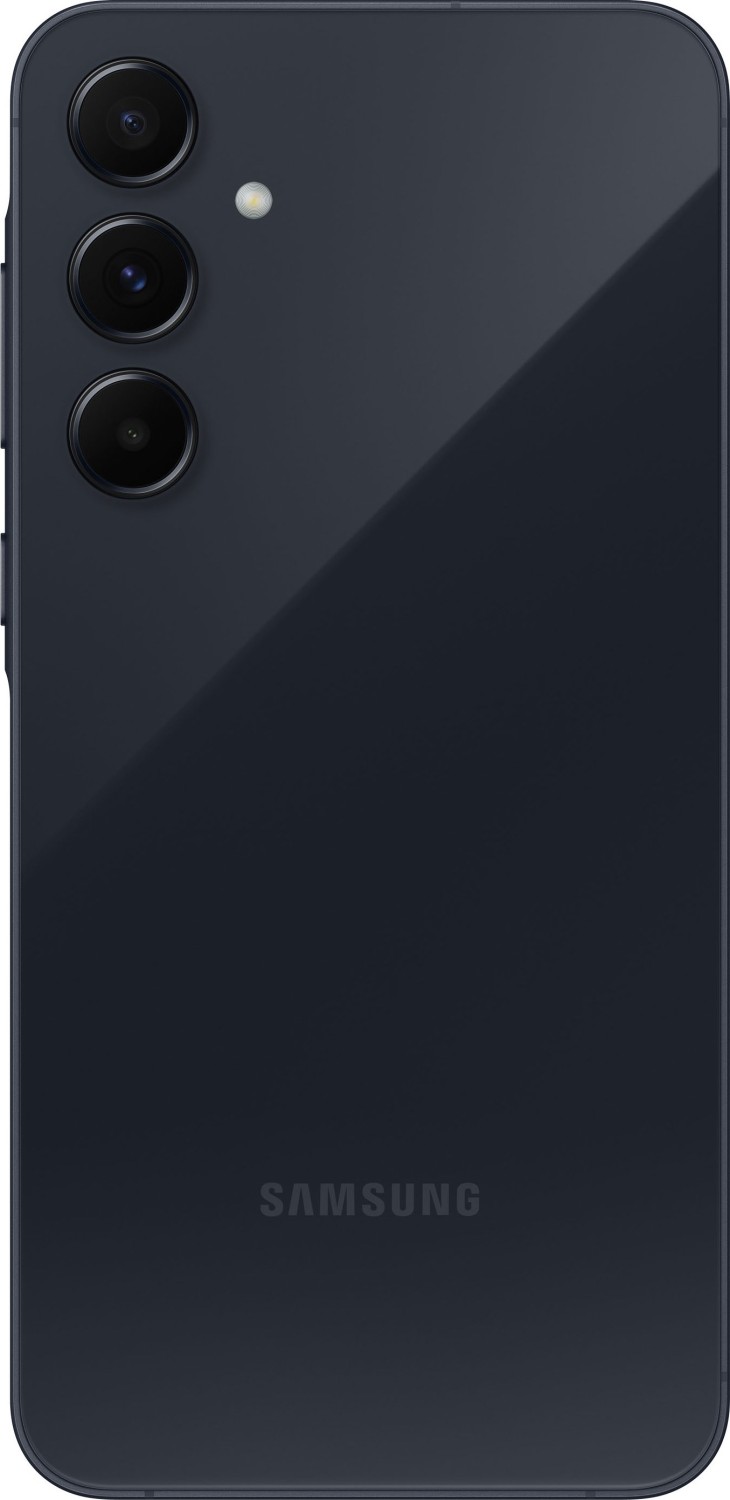
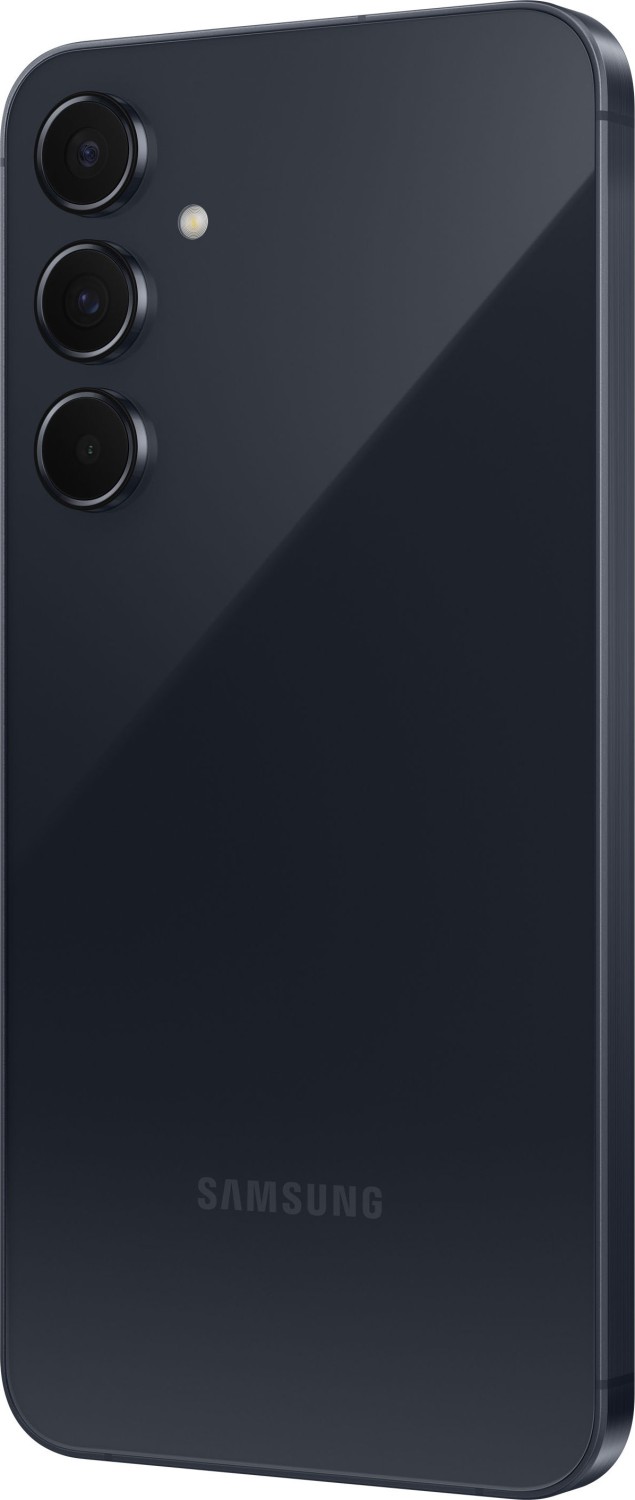
Samsung Galaxy A55 5G Bedienungsanleitung
PDF-Anleitung · 157 Seiten
Deutsch



Stellen Sie eine Frage
Häufig gestellte Fragen
Ja, das Gerät kann zusätzlich zu einer nano-SIM eSIM verwenden. Die Aktivierung erfolgt über SIM Manager in den Einstellungen, und in einigen Regionen oder Modellen ist eSIM abhängig vom Netzbetreiber möglicherweise nicht verfügbar.
Ist diese Antwort hilfreich?
Sie können Smart Switch entweder kabelgebunden über USB oder drahtlos verwenden. Befolgen Sie die angezeigten Anweisungen, um Daten, Apps und Einstellungen zu übertragen. Stellen Sie sicher, dass das alte Gerät während der Übertragung verbunden bleibt und beide Geräte ggf. geladen werden.
Ist diese Antwort hilfreich?
Verwenden Sie von Samsung zugelassene Ladegeräte und Kabel. Lassen Sie das Gerät nicht längere Zeit unbeaufsichtigt laden, vermeiden Sie das Aufladen, wenn der Port nass ist. Wenn das Gerät ungewöhnlich heiß wird, trennen Sie es und suchen Sie gegebenenfalls Service auf.
Ist diese Antwort hilfreich?
Modi umfassen Porträt, Pro, Nacht, Hyperlapse, Super Slow-Mo, Panorama, Makro, Essen und mehr. Jedem Modus stehen anpassbare Einstellungen wie ISO, Verschlusszeit, Weißabgleich und Belichtung zur Verfügung.
Ist diese Antwort hilfreich?
Ja, Multi Window und Pop-Up View ermöglichen geteilte Bildschirme oder schwebende Apps. Aktivieren Sie es in den Einstellungen unter Erweitert > Mehrfenster, dann öffnen Sie die passenden Apps.
Ist diese Antwort hilfreich?
Samsung Wallet unterstützt biometrische Verfahren (Fingerabdruck) und PIN-basierte Verifizierung für Zahlungen und den Zugriff auf Passes. Stellen Sie sicher, dass Sie während der Einrichtung Sicherheits-Einstellungen konfigurieren und Regionen für Wallet-Funktionen überprüfen.
Ist diese Antwort hilfreich?
Vorteile und Nachteile
Vorteile

- Starke Kamera-Vielfalt mit mehreren Modi und Profi-Optionen
- Solide Batteriemanagement- und Ladehinweise
- Umfassende Ecosystem-Integration (Wallet, Health, AR Zone, Bixby)
- Umfassende Anleitung zu Setup, Datenübertragung und Sicherheit
- Flexible Speicheroptionen mit microSD-Unterstützung
Nachteile

- Umfangreiche Formatierungs- und Einstellungsnotizen können neue Benutzer überwältigen
- Manuelle Inhalte können regional unterschiedlich sein oder Funktionen fehlen
- Großer Detailumfang könnte sorgfältiges Lesen erfordern, um Spezifisches zu finden
- Large amount of detail may require careful reading to locate specifics
Produkt Beschreibung
Samsung Galaxy A55 5G: Eine umfassende manuell inspirierte Übersicht
The Samsung Galaxy A55 5G blends solid performance with thoughtful features across a broad Android experience. This description highlights what makes this device a compelling option for everyday use, focusing on usability, camera, display, battery, and ecosystem integration. It weaves in practical tips and real-world considerations from a user manual to help readers understand how to get the most out of the phone.
From setup to daily operation, the device emphasizes accessibility through clear guidance on initial setup, account management, data transfer, and essential connectivity options. Expect straightforward instructions for SIM management (nano-SIM and eSIM), microSD expansion, and battery care, all framed to help non-technical users feel confident handling common tasks.
In terms of core capabilities, the Galaxy A55 5G supports robust communication features (calls, messages, contacts), media handling (gallery, camera, video), and productivity tools (multi-window, split-screen, quick toggles). The camera section details a range of shooting modes—from standard photos to advanced options like Portrait, Pro modes, Hyperlapse, Night mode, and various creative presets—emphasizing how to optimize results in varying lighting conditions.
Samsung’s ecosystem is a recurring theme, with sections on Samsung Wallet, Health, Notes, AR Zone, Bixby, and SmartThings. This focuses on how the device can function as a hub for health tracking, digital payments, smart-home control, and augmented reality experiences, enriching daily routines rather than complicating them.
The user experience is further supported by practical guidance on safety and best practices, such as safe charging, handling accessories, and safeguarding data through backups and cloud synchronization. By combining setup steps, feature spotlights, and considerate reminders, the description provides a balanced view of what it’s like to live with the Galaxy A55 5G.
Prospective buyers will learn about the strengths of the device, the kinds of tasks it handles efficiently, and the trade-offs to consider. The content remains focused on practical usage, encouraging readers to explore camera features, explore the Galaxy ecosystem, and leverage the quick-access tools that enhance everyday smartphone use.
Overall, the description offers a resourceful, blog-friendly narrative that informs readers about why the Samsung Galaxy A55 5G can be a dependable companion for daily communication, photography, multimedia, and smart-device integration.
Notes: For readers seeking hands-on tips, the text provides concrete steps for core activities like data transfer (Smart Switch), SIM management, SD card usage, and security settings, while staying mindful of regional variations in features and availability.
Suche nach 166 Anleitungen online


Marke oder Modell eingeben